Property Editor: Folder
To create a new folder under the nodes, and the sub-nodes, of the Configuration Manager tree:
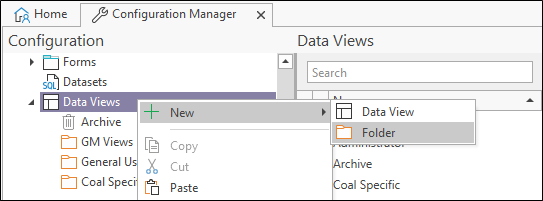
- Right click on a node and select New | Folder from the right-click menu:
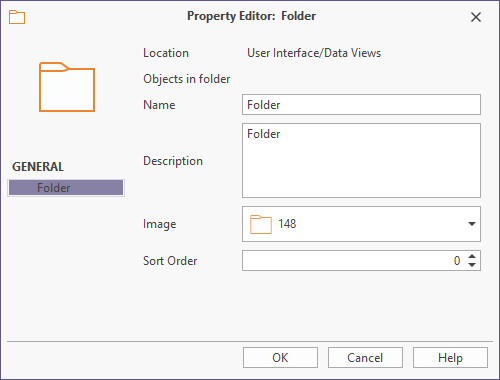
- Enter a Name and a Description for the folder and click OK to create the folder:
- You can use the mouse to move (drag and drop) compatible selected objects between folders of the same object type (the icon will change to a red no-entry sign if objects or folders are dragged to a node that is incompatible):
The Folder Property Editor is displayed:
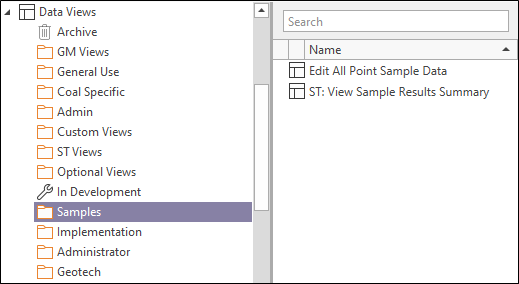
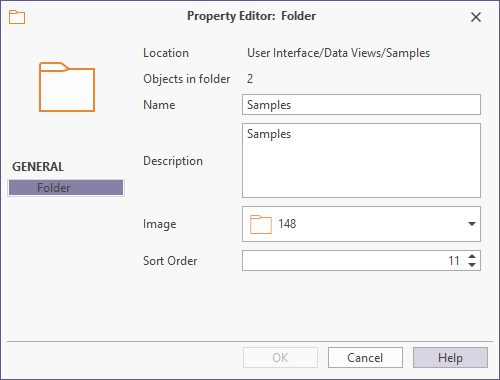
The properties of the folder are updated to show the number of objects:
You can Cut, Copy, Paste, Move and Export folders and their contents. The option to include or exclude folders during the import and export of objects is also provided.