Import Collar Data (Site and Survey)
The Data Transfer component of the Configuration Manager contains tools used to import and export data for Micromine Geobank.
The Import Collar Data option imports field logging files for collar data in CSV format.
To import collar data,
-
Open the Configuration Manager.
-
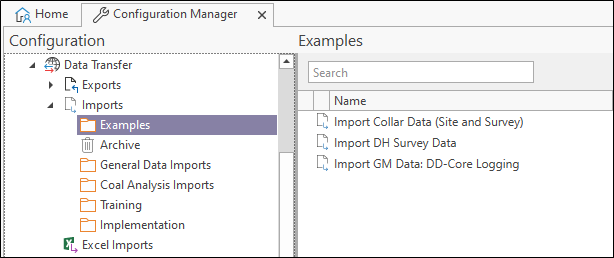
Select the Data Transfer | Imports | Examples option.
-
Double click the Import Collar Data option.
The Property Editor: Import form opens.
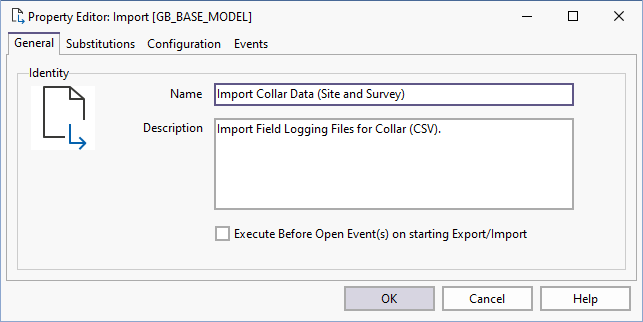
The General tab contains the Name and Description of the import tool.
Execute Before Open Event(s) on starting Export/Import
An export/import may require some sort of data 'setup' prior to the export with possibly a 'teardown' once the export/import has completed. This is usually achieved by configuring BeforeOpen and AfterClose SQL Events (for example, to create and populate a temporary table and then remove the temporary table after the export/import).
Select the Execute Before Open Event(s)... check box to change the sequence of events for the Import/Export. This will delay the execution of the process until the Before Open Event is executed. If the checkbox is not selected, the process will run immediately and the Before Open Event will occur after. After Open Events will always occur after the Export/Import process.