Export GM Lookups
The Data Transfer component of the Configuration Manager contains tools used to import and export data for Micromine Geobank.
The Export GM Lookups option exports updated lookups for Micromine Geobank Mobile profiles to a CSV file.
To export Micromine Geobank Mobile Lookups,
-
Open the Configuration Manager.
-
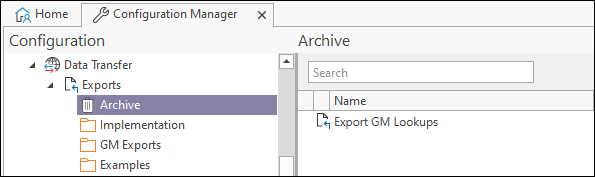
Select the Data Transfer| Exports | Archive option.
-
Double click the Export GM Lookups option.
The Property Editor: Export form opens.
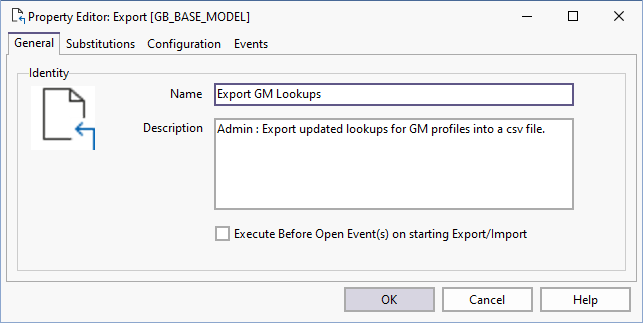
The General tab contains the Name and Description of the export tool.
If you are configuring a task in Unattended mode, be aware that you should use the full UNC path for any mapped network drive: for example, \\server001\data\reports\ instead of N:\Reports. For detailed information, see Automation.