Hide Columns
In Geobank you can hide and redisplay the columns in the Samples view.
Hide columns
Hiding a column allows you to hide the column from view. You can use this to simplify the data display so only the columns of interest appear. It also enables you to reduce the width of the display so that all columns can be viewed without having to scroll to the left or right.
To hide columns, do the following:
- Right click on a column header, point to Views and select Hide Column.
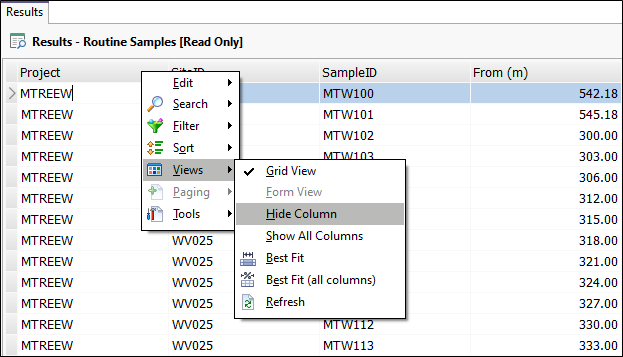
The column will be hidden from view (but still exists in the database).
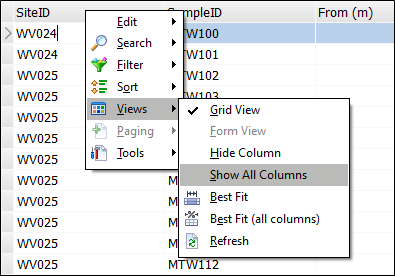
To redisplay hidden columns:
- Right click on a column header again, point to Views and select Show All Columns.