Feedback
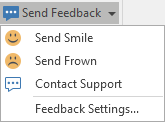
To the right of the application menu bar, click on an icon to provide positive or negative feedback on your user experience of Geobank, make a suggestion, or request support.

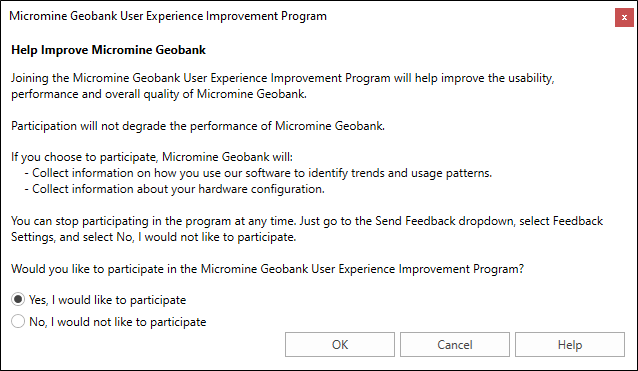
The same options are available on the Home ribbon. Here you can also choose whether to opt out of the Geobank User Experience Improvement Program.
-
Click the Home tab to view the ribbon.
-
Select Send Feedback | Feedback Settings.
Geobank User Experience Improvement Program
Your participation in the program will help improve the usability, performance and overall quality of Geobank.
Note: The usage data collected by the Geobank User Experience Improvement Program is separate to the Administrator function within Geobank (System Settings) where Administrators can track and see their team’s activities in the Usage Information Browser.